Use sbt as Metals build server
Objective
I want to use Metals on VS Code with sbt as the build server.
Steps
To use Metals on VS Code:
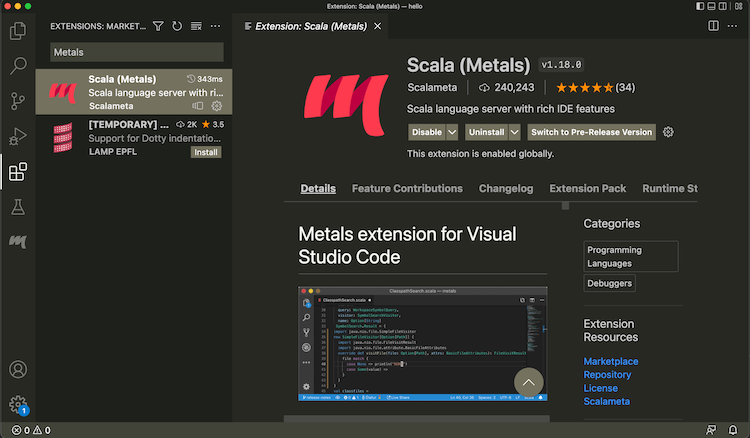
- Install Metals from Extensions tab:

- Open a directory containing a
build.sbtfile. - From the menubar, run View > Command Palette... (
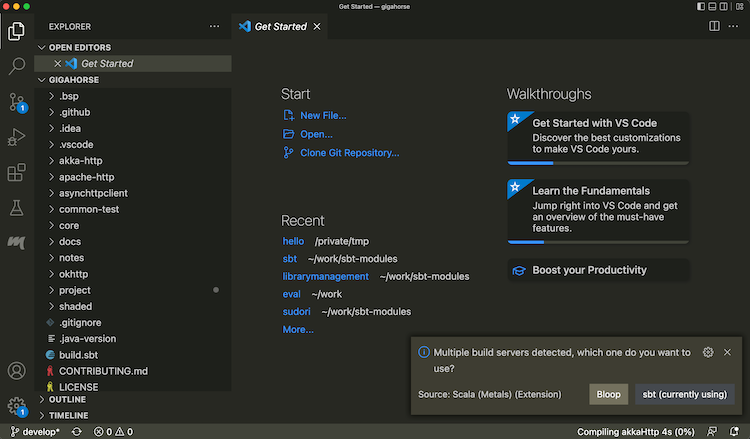
Cmd-Shift-Pon macOS) "Metals: Switch build server", and select "sbt"

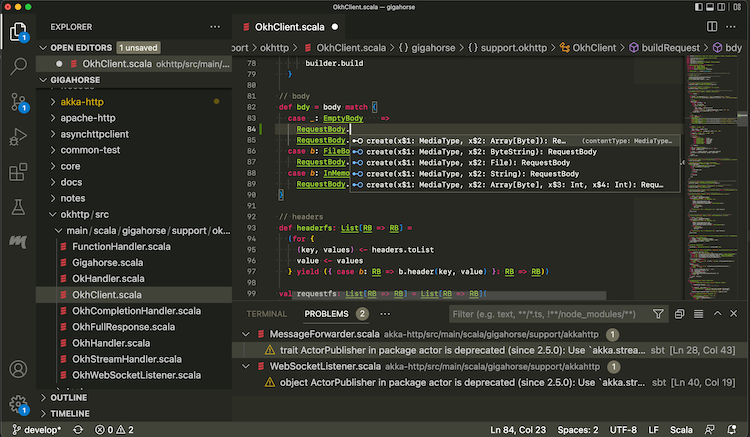
- Once the import process is complete, open a Scala file to see that code completion works:

Use the following setting to opt-out some of the subprojects from BSP.
bspEnabled := false
When you make changes to the code and save them (Cmd-S on macOS), Metals will invoke sbt to do the actual building work.
Logging into sbt session
While Metals uses sbt as the build server, we can also log into the same sbt session using a thin client.
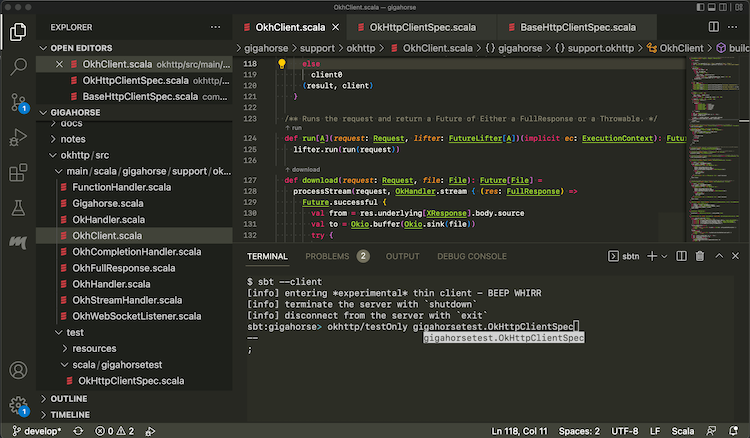
- From Terminal section, type in
sbt --client

This lets you log into the sbt session Metals has started. In there you can call testOnly and other tasks with the code already compiled.